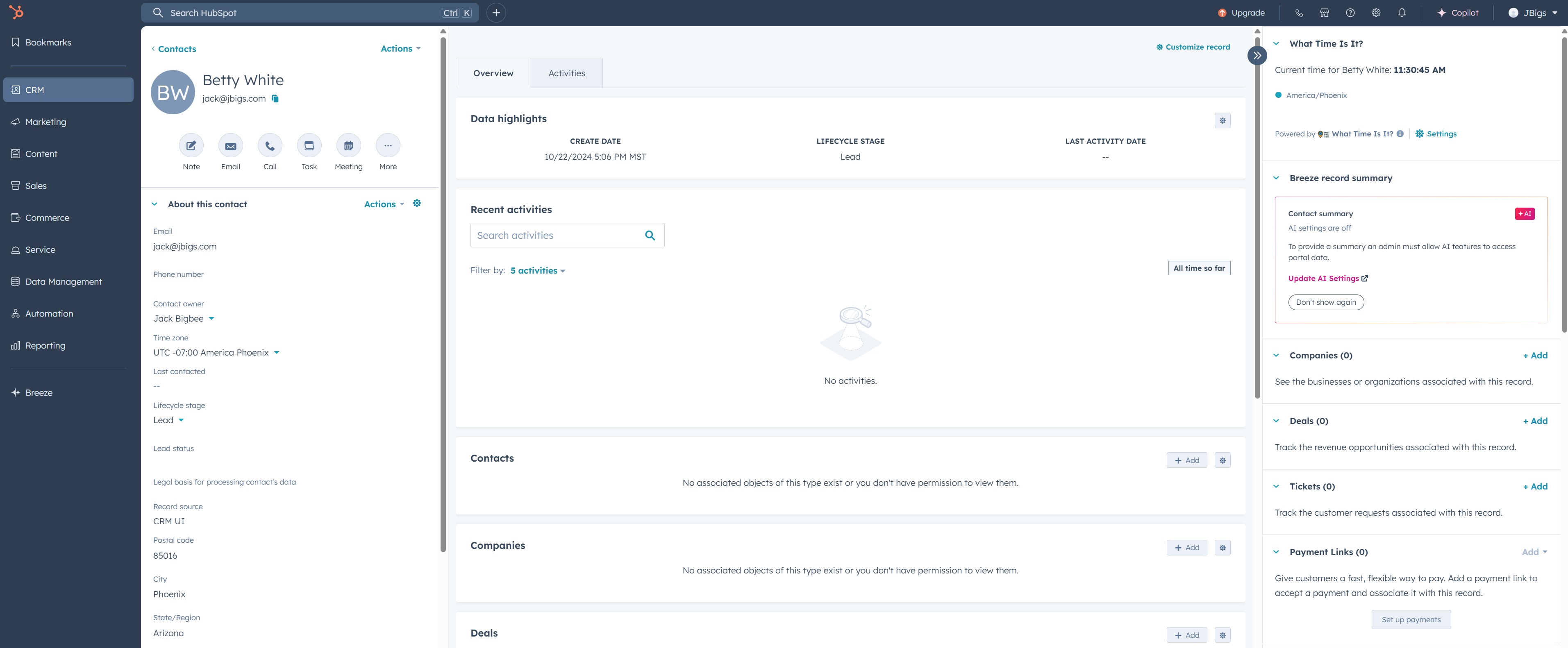
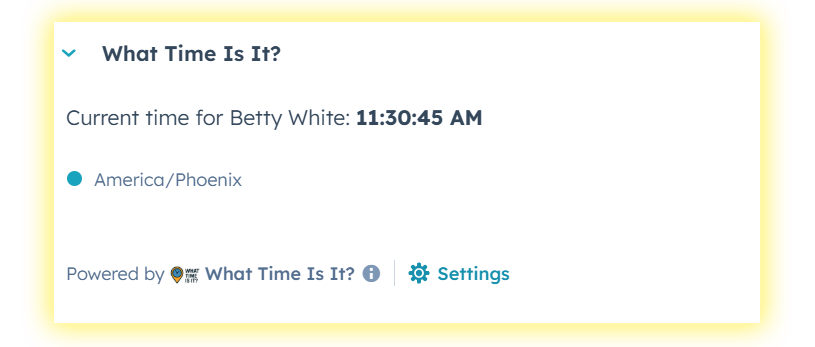
Contacts, companies, deals, tickets, help desk — see the current time based on their timezone, right in the sidebar. Fully configurable. No guesswork.
Works on contacts, companies, deals, tickets, orders, carts, custom objects, and the help desk sidebar.
Choose which property stores the timezone for each object type via the in-app Settings page.
Live-updating time display that ticks every second. Always accurate.
Appears in the CRM record sidebar and the help desk ticket sidebar — always visible, never in the way.
OAuth authentication, HubSpot signature validation, encrypted data in transit.
$9.99/mo per portal. Cancel anytime from the Stripe customer portal.
The card appears on every object type you enable. Configure the timezone property for each one in app settings.
Already a subscriber? Manage your subscription
Click "Subscribe Now" above. You'll be redirected to Stripe for a secure checkout.
After payment, you'll receive a one-time installation link. Click it to authorize the app in your HubSpot portal.
Go to Connected Apps → What Time Is It? v2 → Settings. Map the timezone property for each object type you use.
On any CRM record, click "Customize record" and drag the "What Time Is It?" card into the right sidebar. For help desk, configure it in your help desk sidebar settings.
You'll now see the local time for every record that has a timezone value. Make sure your records have timezone data populated.
It reads the timezone property you configure for each object type. For contacts, HubSpot auto-fills hs_timezone when that data is discovered. For other objects, you set the property in the app settings.
Yes — $9.99/month per HubSpot portal. You can cancel anytime from the Stripe billing portal.
We'll email all v1 customers a coupon code for a free migration. Visit the migration page to get started.
The card will display a friendly warning. You can populate timezone data via workflows, imports, or our sister app ZipCode AutoFill.
Contacts, Companies, Deals, Tickets, Orders, Carts, Custom Objects, and the Help Desk sidebar. You configure which ones to enable in the settings page.
No. We only store your portal ID for authentication and your timezone property configuration. We never collect, share, or sell any of your CRM data.
Email us at [email protected]